
Maxbhi
Tools
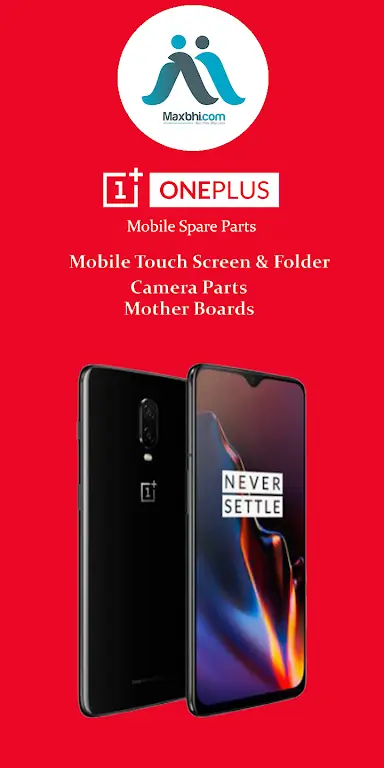
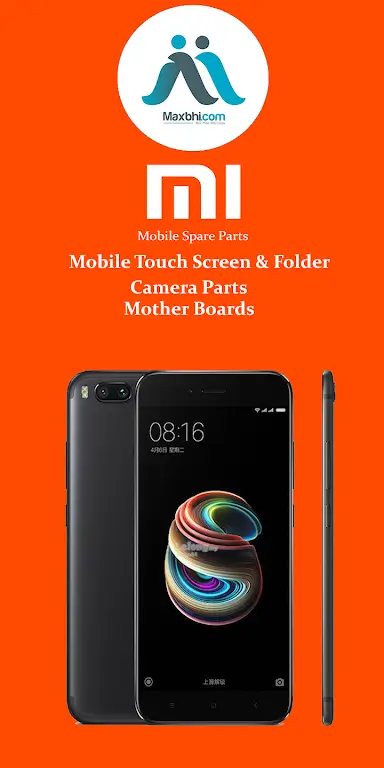

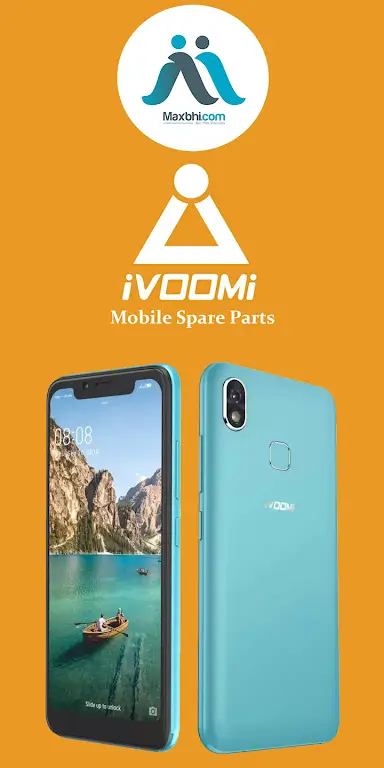
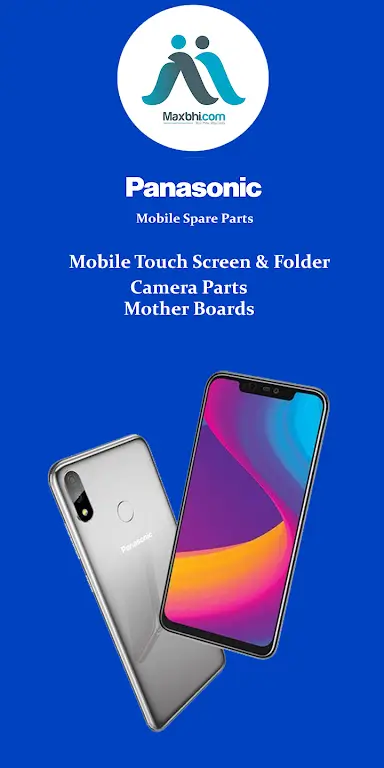

Maxbhi is an Android utility that helps users locate and purchase spare components for a wide range of devices, including smartphones and laptops. The app aggregates listings from multiple sources, making it easier to find compatible parts for almost any brand.
Designed to be lightweight and free, Maxbhi aims to simplify the process of searching for replacement parts without needing to browse multiple websites. This page provides the essential details, installation guide, and safety considerations for the Maxbhi APK.
Quick Information
| App/Game Name | Maxbhi |
| Latest Version | web2apk 8 |
| Developer | Not listed |
| Category | Apps / Tools |
| App Size | 0.45 MB |
| Package Name | www.turantorder.com.maxbhi.com |
| Last Updated | 16 January 2026 |
What Is Maxbhi?
Maxbhi serves as a catalog and marketplace assistant for device spare parts. Users can browse categories for mobile phones, tablets, and laptops, view specifications, and follow links to purchase the items. The app does not sell parts directly; it redirects to external sellers. It is intended for anyone who needs to replace a broken screen, battery, charger, or other hardware component.
Compatibility
| Android Version | ✓ Verified — 2.3 & Up |
| Architecture (ARM64 / 32-bit) | Not Verified |
| Internet Connection | ✓ Verified — May be required for ads, updates, or login |
| Storage Needed | Not Verified |
| OBB/Data Files | Not Verified |
| Root Required | Not Verified |
How to Install
- Download the Maxbhi APK file to your Android device.
- Open Settings → Security (or Privacy → Install unknown apps) and enable installation from the source you used (e.g., your browser or file manager).
- Locate the downloaded APK in your Downloads folder and tap it.
- Follow the on‑screen prompts to complete the installation.
- Once installed, open Maxbhi and grant any requested permissions (e.g., storage access for downloading images).
Troubleshooting
- App not installed: Ensure that “Install unknown apps” is enabled for the source you used and that the APK file is not corrupted.
- Crashes on launch: Clear the app cache via Settings → Apps → Maxbhi → Storage → Clear Cache, then try reopening.
- Missing parts or broken links: The app relies on external retailers; availability can change. Try refreshing the list or searching for the part directly on the retailer’s website.
- Login or account prompts: Maxbhi does not require a personal account; if a site asks for credentials, it is the external seller, not the app itself.
Safety & Security
Maxbhi is distributed as an APK file, which means it is not sourced from the official Play Store. Before installing, verify the file’s integrity and only download from reputable sites. Review the permissions the app requests; it should only need storage access for saving images and internet access for browsing listings. Avoid entering personal or payment information directly into the app—complete purchases on the retailer’s official site.
How Maxbhi Compares
| Feature | Maxbhi | Amazon Shopping | eBay |
|---|---|---|---|
| Price Model | Free | Free (in‑app purchases) | Free (in‑app purchases) |
| Platform Availability | Android only | Android, iOS, Web | Android, iOS, Web |
| Standout Feature | Focused on spare parts for devices | Vast product catalog across categories | Auction and fixed‑price listings for a wide range of goods |
| Best For | Finding replacement components for phones & laptops | General shopping with fast delivery | Finding deals on new and used items |
Alternatives
- Amazon Shopping – Offers a dedicated “Electronics” section with spare parts and accessories, backed by Amazon’s logistics.
- eBay – Large marketplace for new and used device components, often at competitive prices.
- AliExpress – International platform with a broad range of inexpensive spare parts, though shipping times can vary.
- Flipkart – Indian e‑commerce app that includes a hardware accessories category.
- Snapdeal – Another Indian marketplace with a selection of phone and laptop parts.
Final Verdict
Maxbhi is a lightweight, free Android app that centralizes the search for spare parts across many brands. It is best suited for users who prefer a single interface to browse component listings before purchasing from external sellers. Because it is an APK outside the Play Store, verify the source and monitor permissions, but its small size and focused purpose make it a handy tool for device repairs.
Frequently Asked Questions
The APK is not from the Play Store, so download it from a trusted source, check permissions, and avoid entering sensitive data directly in the app.
Compatibility details are provided in the compatibility table; ensure your device meets the listed requirements before installing.
The app is free to download and use; any purchases are made on external retailer sites.
Yes, the app lists spare parts for a wide range of mobile and laptop brands, though availability depends on external sellers.
Maxbhi redirects to third‑party sellers; if a listing is removed or the seller changes their URL, the link may no longer work.
No, the app itself does not require an account; any login prompts come from the retailer’s website.
Download the latest APK from a reliable source and install it over the existing version; the app will retain its data.
The APK is only 0.45 MB and is designed to be lightweight, so it should have minimal impact on storage and performance.